
6E Club Invite Code and Refer Program Explained
Every 6E Club account has its own invite code. Friends who register with it are linked to you, and invite rewards appear in your Promotion dashboard.
Here is how the system works – and what is realistic.
6E CLUB INVITE
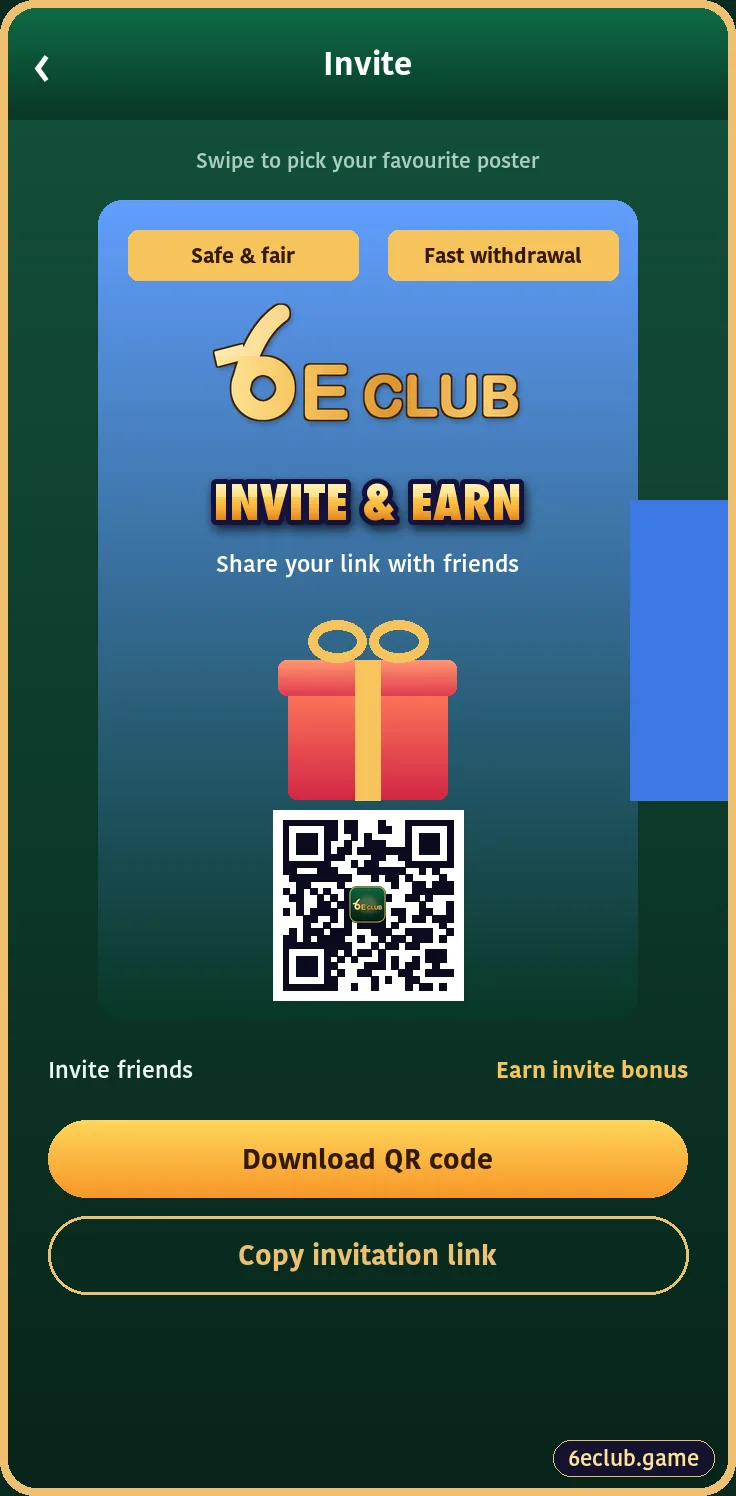
6E Club invite page
Invite poster, QR code and share link.
On this page
Finding Your 6E Club Invite Code
- Log in to 6E Club.
- Open Promotion.
- Copy your invite code, share link or QR poster.
How a Friend Uses It
The friend pastes your code into the invite box on the 6E Club register screen. It can only be entered during sign-up.
Invite Rewards vs Agent Commission
| Type | When it applies | Size |
|---|---|---|
| Invite reward | When an invited member registers and becomes active | Fixed per campaign tier |
| Agent commission | Ongoing, from team activity | A small percentage |
The Agency Dashboard
6E CLUB AGENCY
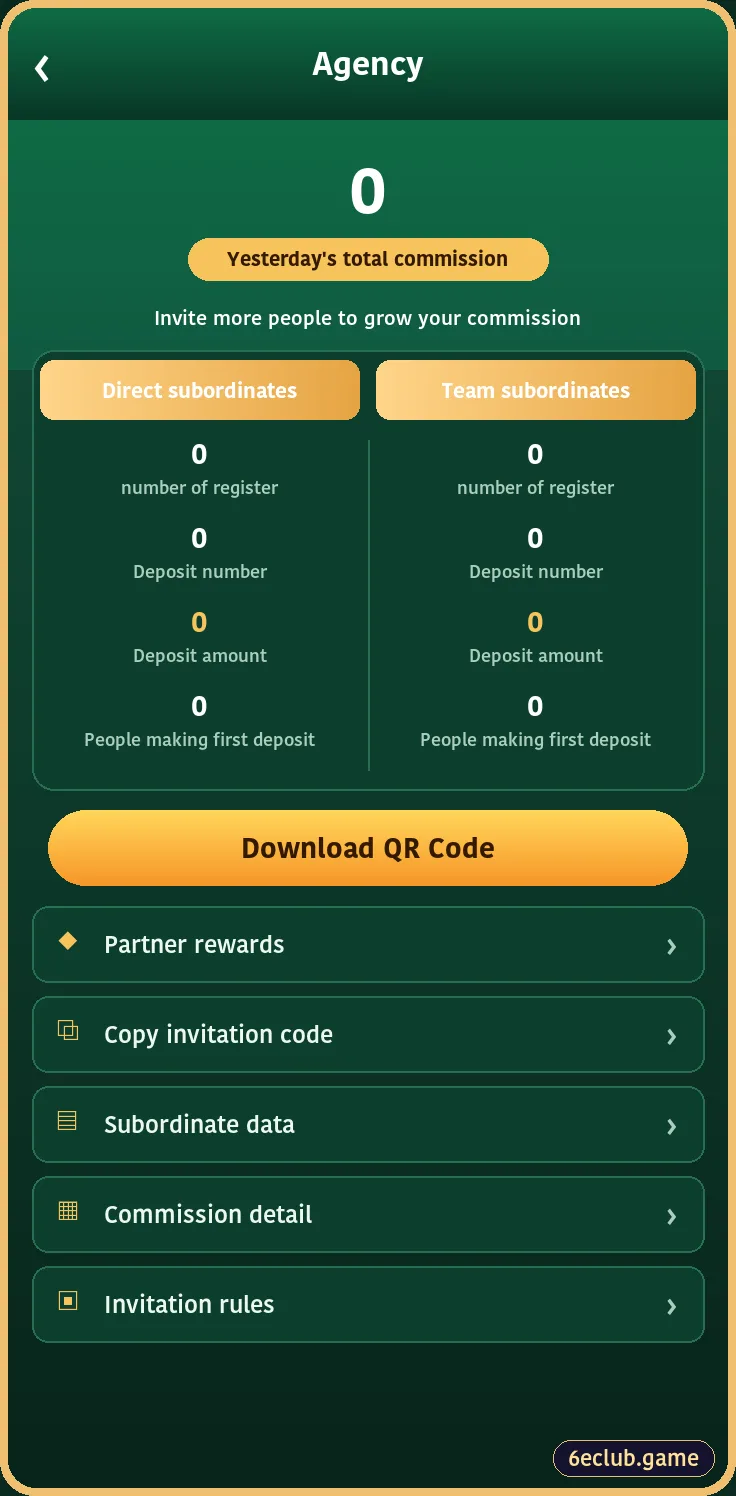
6E Club agency dashboard
Commission summary, subordinates, QR download and commission details.
Agents see direct and team subordinates, daily commission and invitation rules in one place. Everything updates daily.
Rules to Follow
- Invite adults only.
- No fake or duplicate accounts.
- Never promise winnings.
- Each person needs their own number and bank account.
Realistic Expectations
A few friends bring a modest reward. Big poster figures need very large, very active teams. Treat the refer program as a small extra, not an income plan.
Start with 6E Club the safe way
Use the official 6E Club app or website – one 6E Club account works on every device.
Frequently asked questions
Where is my invite code?
In the Promotion tab.
Can I add an invite code later?
No.
Is a referral code the same as an invite code?
Yes.