
6E Club Mobile App
The 6E Club mobile app puts the whole platform in one icon. On Android it is an APK; on iPhone a Safari web app.
Here is what is inside and how to keep it running smoothly.
6E CLUB MOBILE APP
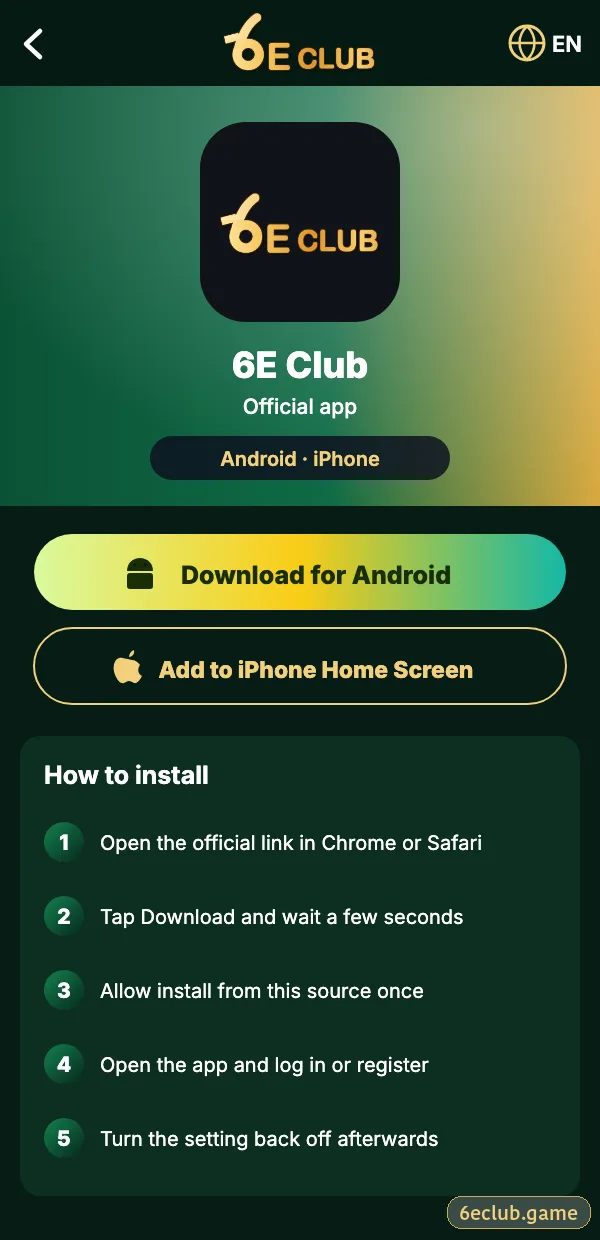
6E Club mobile app page
Download for Android or add to iPhone.
6E Club App Install
| Phone | Steps |
|---|---|
| Android | Download APK from the official site → allow installs → Install |
| iPhone | Safari → Share → Add to Home Screen |
Detailed help: 6E Club app download.
Main Tabs
| Tab | What it holds |
|---|---|
| Home | Banners and game tabs |
| Activity | Check-in and events |
| Promotion | Invite tools |
| Wallet | Deposit, withdraw, history |
| Account | Profile, settings, support |
Notifications
Allow notifications for login alerts and gift codes; mute promotional ones if they tempt you to open the app more often than planned.
Data and Battery
- WinGo uses little data – a few MB an hour.
- Close the app fully when done.
- Keep it updated from the official site.
App vs Website
| Mobile app | Website | |
|---|---|---|
| Stays signed in | Yes | Cookies only |
| Speed | Faster | Depends |
| Fake-link risk | Very low | Higher |
Start with 6E Club the safe way
Use the official 6E Club app or website – one 6E Club account works on every device.
Frequently asked questions
Is the 6E Club mobile app free?
Yes.
Does it work on iPhone?
As a Safari web app.