
6E Club Forgot Password: Reset in 4 Steps
Resetting a 6E Club password takes about a minute if your registered SIM is in the phone.
If it is not, there is still a way back.
6E CLUB RESET
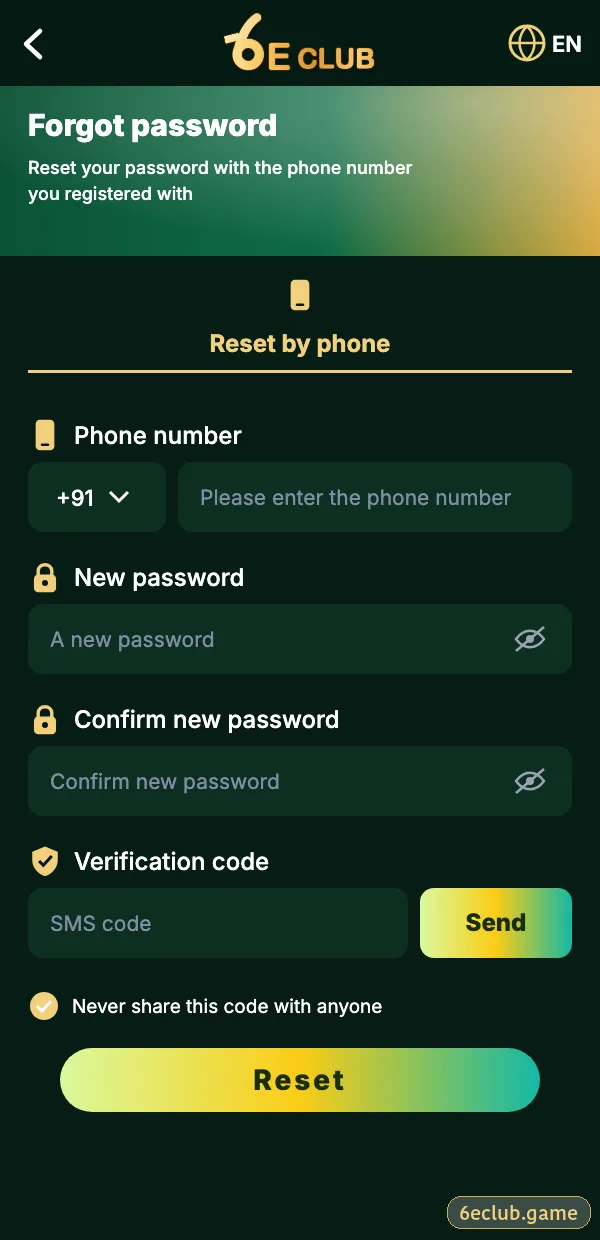
6E Club forgot password screen
Number, new password, confirm and SMS code.
On this page
Reset Steps
- Tap Forgot password on the login screen.
- Enter your registered number.
- Type a new password twice.
- Enter the SMS code and confirm.
Changing the Password While Logged In
6E CLUB SETTINGS
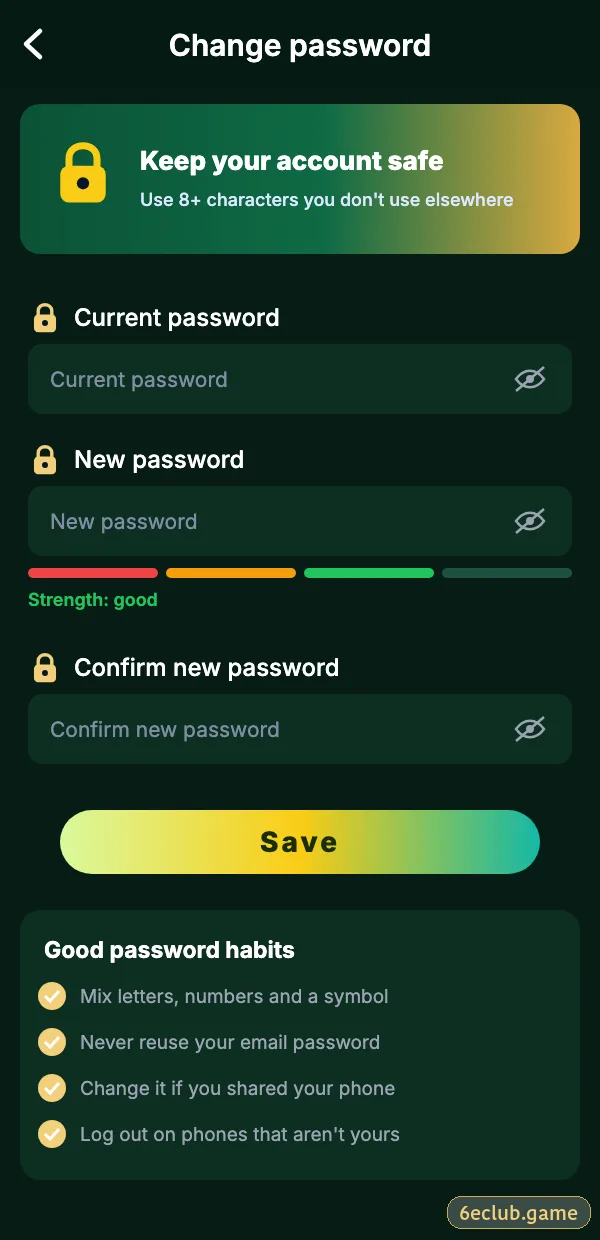
Change 6E Club password
Old password, new password, confirm.
Account → Settings → Login password. Do this immediately if you ever typed your details on a suspicious site.
Lost SIM
Get a replacement SIM with the same number from your operator, or contact customer care with your UID.
If the Reset Fails
No SMS
Check signal, DND and the active SIM.
“Number not registered”
Try your other numbers.
Password rejected
Use 8+ characters, not your old one.
Afterwards
- Log out of all devices.
- Turn on login alerts.
- Bind a backup email.
Start with 6E Club the safe way
Use the official 6E Club app or website – one 6E Club account works on every device.
Frequently asked questions
Can support tell me my password?
No.
How long is the code valid?
A few minutes.